Sugar - Infrared Patrolling
Introduction
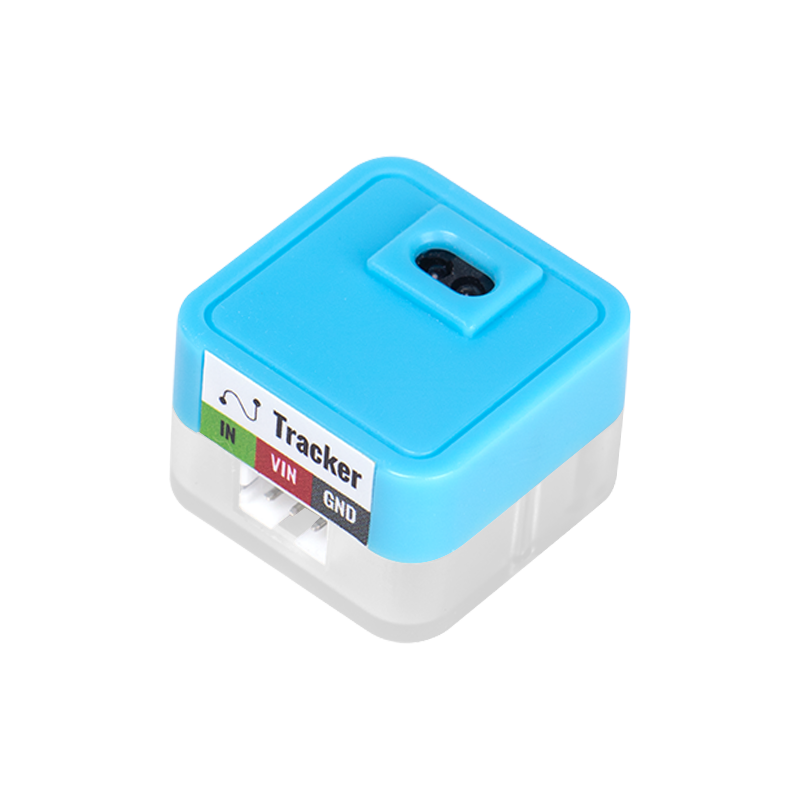
The module is able to emit and receive infrared light at a close distance, and it implements the function of black line patrol or obstacle detection at an ultra-close distance through the principle of white area reflecting light while black area absorbing light. The digital level will change after the trigger.
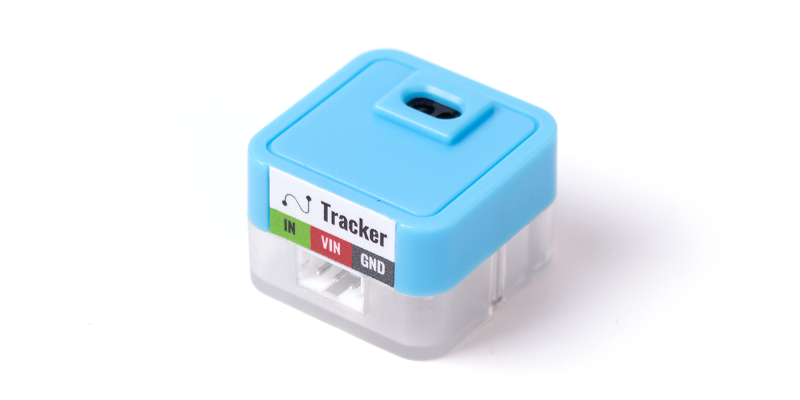
Parameters
| Size | 24 x 24 x 16 mm |
|---|---|
| Weight | 5 g |
| Signal | Digital input (with blue indicator light) 1 (blue light off): - Black line detected - Reflectance of infrared light is too weak to be detected 0(blue light on) - Within detection range and no black line is detected |
| Detection Range | 1~14mm |
Usage on Microbit
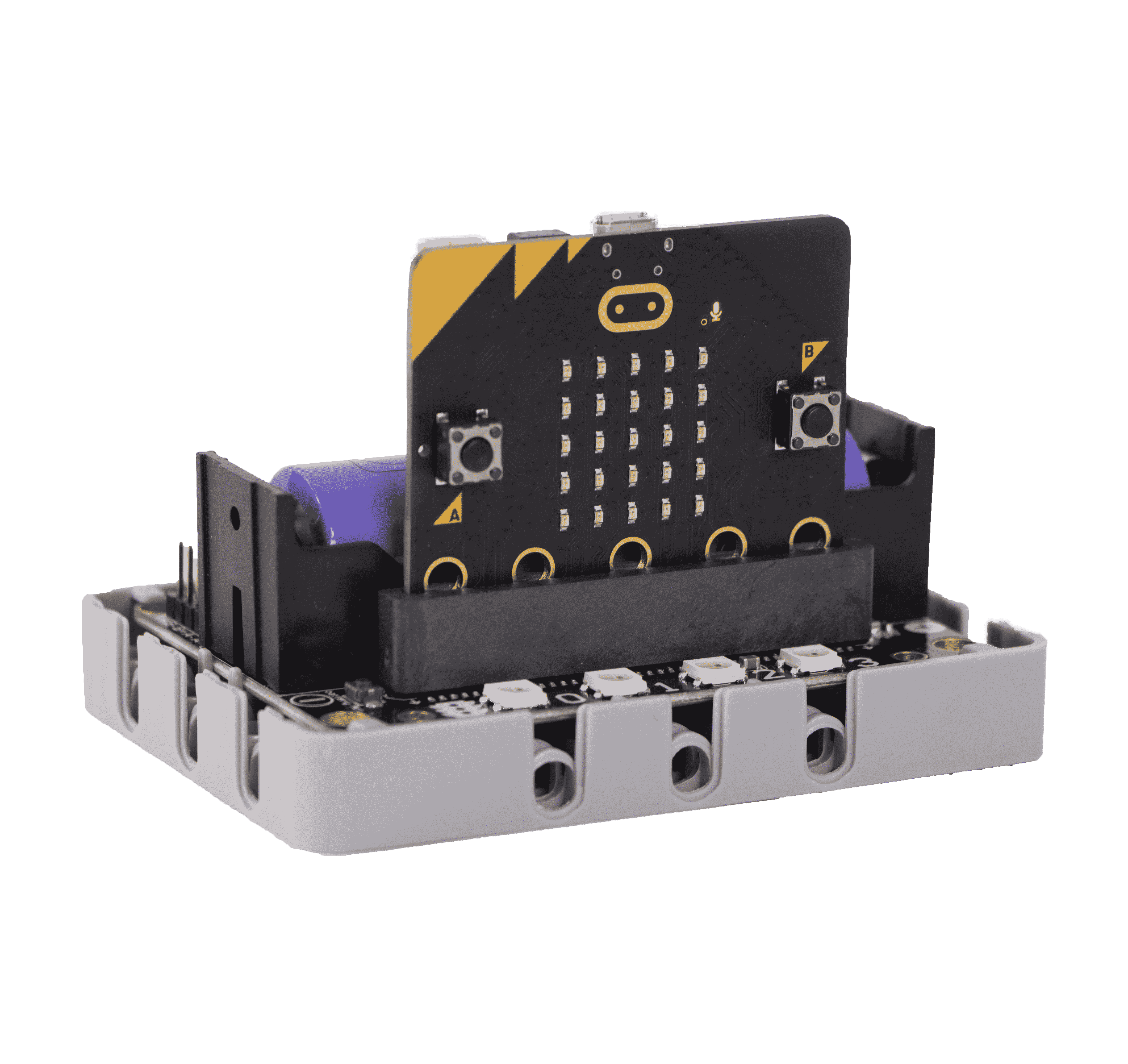
Programming Platform
Microsoft MakeCode for micro:bit Use the Makecode programming platform
Add Sugar Plugin
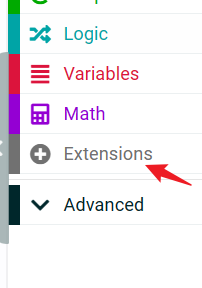
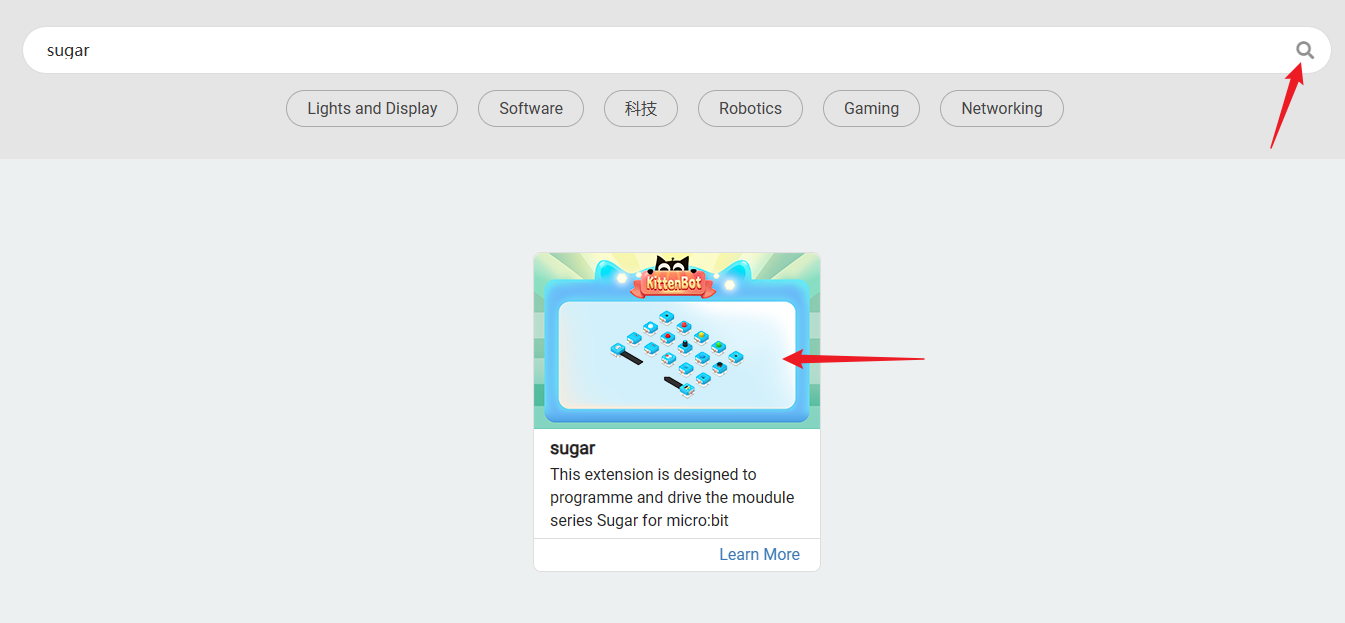 Search for Sugar in the extensions and click on Add
Sensor Block - Feature Description
| Serial Number | Sensor Block Diagram | Sensor Block Function |
|---|---|---|
| 1 |  | Read if the sensor detects a black line |
Circuit connection
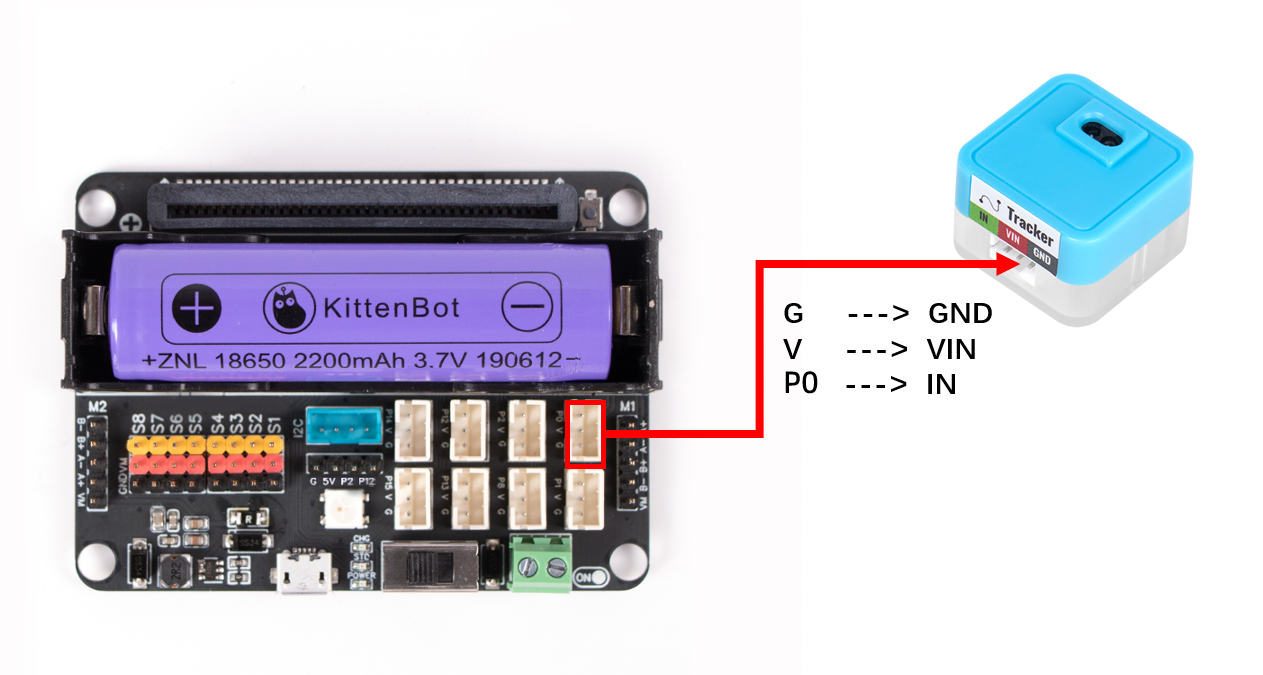
| Microbit interface | Wire | |||
|---|---|---|---|---|
 | RGB light ring | P0 | White PH2.0-3Pin interface wire | 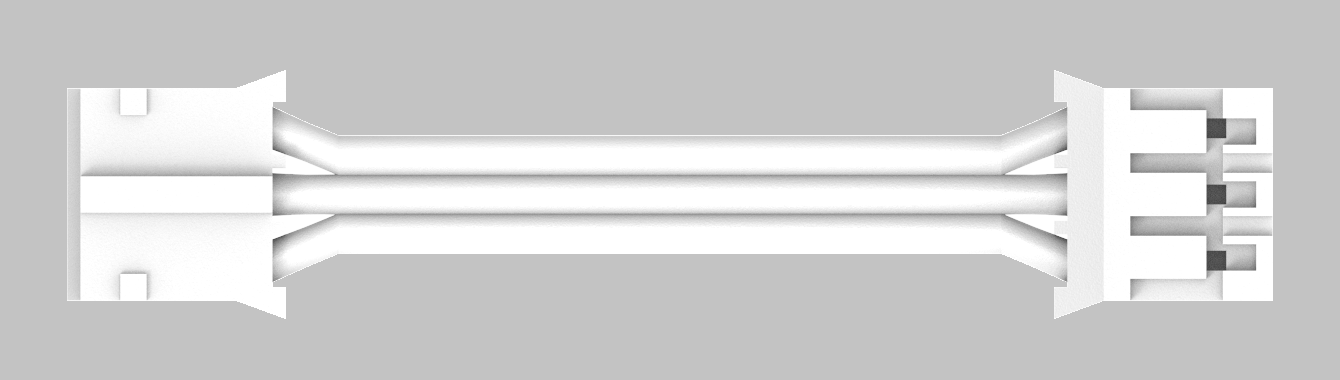 |
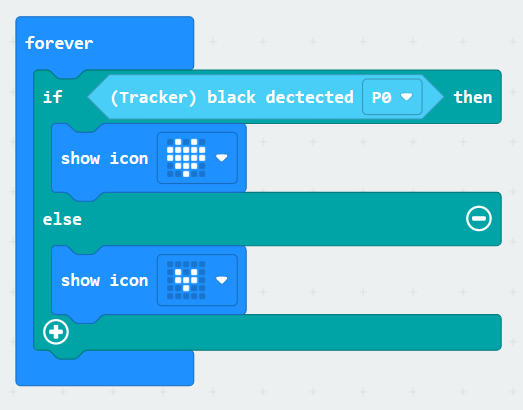
Case: Black wire detection
Wiring
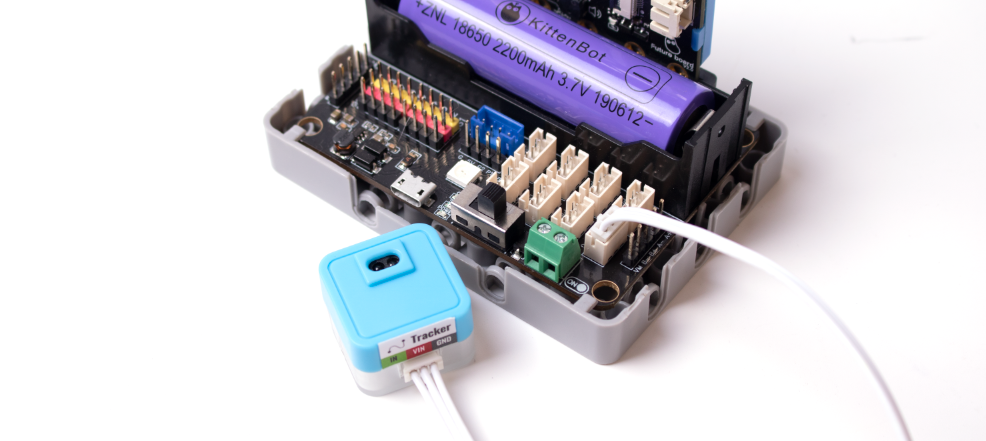
Connect the 3PIN terminal wire to P1 of Robotbit Edu. Turn on the Robotbit power supply and you can see the red light at the bottom of the LED module light up (indicating that the module is powered normally)
Programming
Effect Demonstration
When a black line is detected, the Future board screen displays black. When a white area is detected, the Future board screen displays white.
- The working state of the line tracking sensor is fed back via the blue indicator light.
- If the blue indicator light is always on regardless of whether a black line is detected, it may be because the program sets the pin to a continuous high level output. Don't worry, just follow the instructions and continue.
:::

Using Kittenblock
Choose online running or offline uploading to run the program and view the effect
If you are not sure how to run online or upload offline, please refer to Quickstart
:::
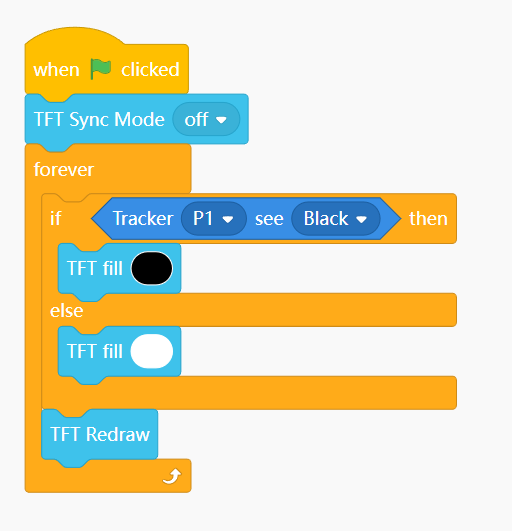
Black Line Sensor Return Value
value()
- Return value 0:
- Within the detection range and no black line is encountered
- Return value 1:
- A black line is detected beyond
- The detection distance cannot reflect infrared
from future import *
from sugar import *
tracker = Tracker('P1')
screen.sync = 0
while True:
    if tracker.value() == 1:
        screen.fill(0)
    else:
        screen.fill(255)
    screen.refresh()